
Infinite Film Project.
Colour grading by professionals.
Modern reimagination of the world’s most iconic film stocks.
Infinite Kodak Portra 400


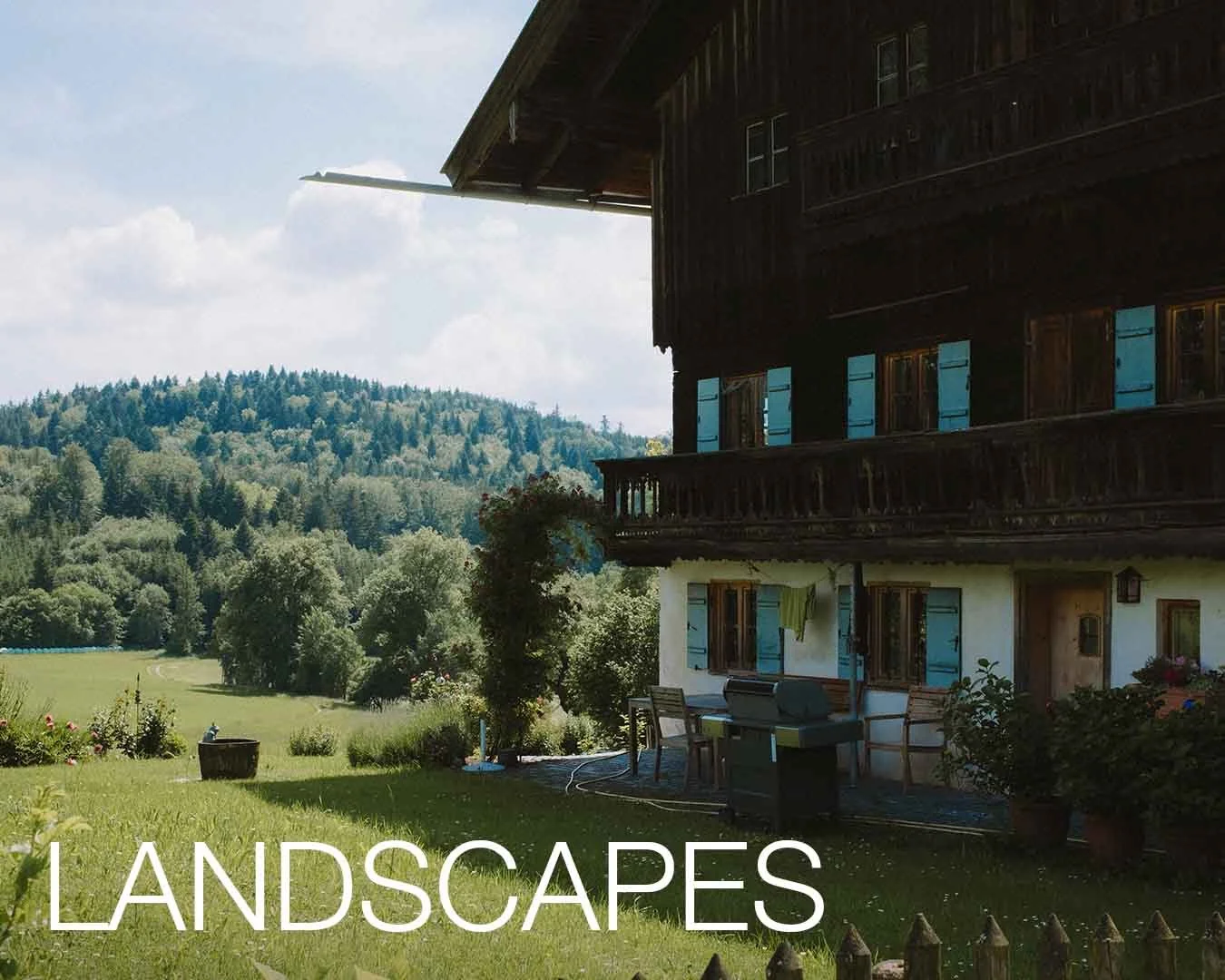


What you get:
1x Signature Kodak Portra 400 Preset
Desktop & Mobile compatible
3x Kodak Portra 400 Variations:
Nostalgic Twist
Washed
Skin tones for sunsets
3x Masks to create standout images:
Push Eye Left
Push Eye Right
Subject Highlight
Preset Looks Whack? Fix It Cheat Sheet
Install Guide
![Kodak Portra 400 - Lightroom Preset [The Infinite Film Project]](https://images.squarespace-cdn.com/content/v1/63c803cb91cd42490356599d/94a44815-a971-47bf-b11b-7222092e3d1e/Infinite+Film+Project-+Kodak+Portra+400.jpg)
1x Signature Kodak Portra 400 Preset
Desktop & Mobile compatible
3x Kodak Portra 400 Variations:
Nostalgic Twist
Washed
Skin tones for sunsets
3x Masks to create standout images:
Push Eye Left
Push Eye Right
Subject Highlight
Preset Looks Whack? Fix It Cheat Sheet
Install Guide
Desktop and Mobile Lightroom presets
Kodak Portra 400 – Infinite Film Project is built for real-world photographers who want the feeling of film and the control of digital.
The softness, the warmth, the smooth grain.
It’s been designed and tested to work everywhere.
From rainy streets, controlled commercial work and glorious landscape sunrises.
We’ve included subtle modifiers and a ‘Preset looks whack? Fix it Cheat Sheet’ with every purchase, on us.
‘This is my go-to preset for all my professional and street photography. If you like my colour grade, this is it.’ — JP
Get the look without the lab or the wait—timeless images in one click.
1x Signature Kodak Portra 400 Preset
Desktop & Mobile compatible
3x Kodak Portra 400 Variations:
Nostalgic Twist
Washed
Skin tones for sunsets
3x Masks to create standout images:
Push Eye Left
Push Eye Right
Subject Highlight
Preset Looks Whack? Fix It Cheat Sheet
Install Guide
-
+ Signature preset:
Kodak Portra 400
+ Additional Tools:
Nostalgic twist [Modifier]
Washed [Modifier]
Sunset skin tones [Modifier]
Subject highlight [Mask]
Push eye left [Mask]
Push eye right [Mask]
+ Install guide (PDF):
Simplest install of your life
+ Bonus guide:
How to make any preset work on any image
-
We build each preset to be infinite.
To work in any situation, across any camera system, forever.
Created for photographers who want to:
Take images that feel like memories
Create a consistent look
Speed up their editing workflow
Maybe even learn through reverse engineering
-
You are right. Multi-pack hyper-specific presets don’t work.
The preset that makes a green Porsche in a car park look great will not make your portraits look good.
We create presets based on a look rather than the image itself, and therefore, they look great on all images.
We’ve included a ‘Preset looks whack? Fix it cheat sheet’ with every purchase. -
It’s either 36 shots of the real thing or ∞ of the closest replica of the Kodak Portra 400 look.
Your choice ;).
Preset Cheat Sheet
Just like you, I used to download presets, apply them and realise they looked awful, thinking I’d wasted my money.
I created the Preset Fix-It-Guide to show you the exact adjustments you need to make so that you can fix any preset.
A couple of clicks and you’ll be nailing that edit.
Drop your email. Get the guide